
Basic Lurch Tech
Momentumshift
Usefulness:

Difficulty:
easy
 Core Info:
Redirecting your Momentum 90 degree backwards. By combining different Lurches of different directions. Momentumshift does not natively work on controller due to the absence of Lurch on Controller.
Basic Momentumshift
Text text text
Basic Momentumshift
Text text text
 Technique/Inputs:
- Sprint
- Slide
- Let go of forward
- Jump
- Press Left Backwards Right or Right Backwards Left
- Turn your view 90 deg into the direction of your first directional input as you input the directional inputs.
 Helpful Tips:
- Tab around your directional inputs in a circular motion in both directions and get used to how that feels.
- Read the Article: “ Universal tips for practicing movement ”.
 Use cases:
- Getting around a corner behind cover while you keep looking at where you came from.
 Advanced Techniques:
- Mastered Momentumshift: Once you get really good at timing the Lurches you can even turn straight backwards and land in a Jump slide , without having to turn your camera. This is also known as a OG Ras strafe. This only works out of a walk. At higher speeds you need more advanced Lurch strafes .
 History:
- Momentumshifts were discovered within a week of the game launching. I remember Mendo being one of the first to use them.
Momentumshift
Usefulness:
Difficulty:
easy
Core Info:
Redirecting your Momentum 90 degree backwards. By combining different Lurches of different directions. Momentumshift does not natively work on controller due to the absence of Lurch on Controller.
Title
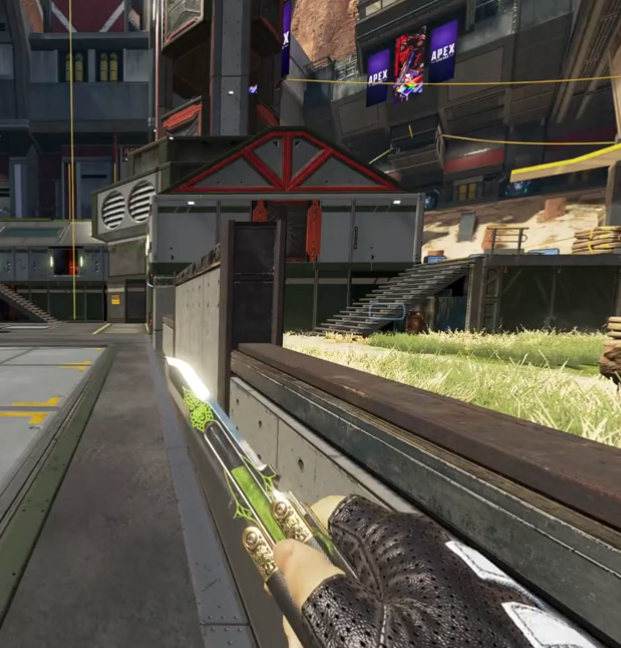
Basic Momentumshift
Text text text
Technique/Inputs:
- Sprint
- Slide
- Let go of forward
- Jump
- Press Left Backwards Right or Right Backwards Left
- Turn your view 90 deg into the direction of your first directional input as you input the directional inputs.
Helpful Tips:
- Tab around your directional inputs in a circular motion in both directions and get used to how that feels.
- Read the Article: “ Universal tips for practicing movement ”.
Use cases:
- Getting around a corner behind cover while you keep looking at where you came from.
Advanced Techniques:
- Mastered Momentumshift: Once you get really good at timing the Lurches you can even turn straight backwards and land in a Jump slide , without having to turn your camera. This is also known as a OG Ras strafe. This only works out of a walk. At higher speeds you need more advanced Lurch strafes .
History:
- Momentumshifts were discovered within a week of the game launching. I remember Mendo being one of the first to use them.